Note: Make sure to relaunch Outplayed & your game to save changes!

Take me to...


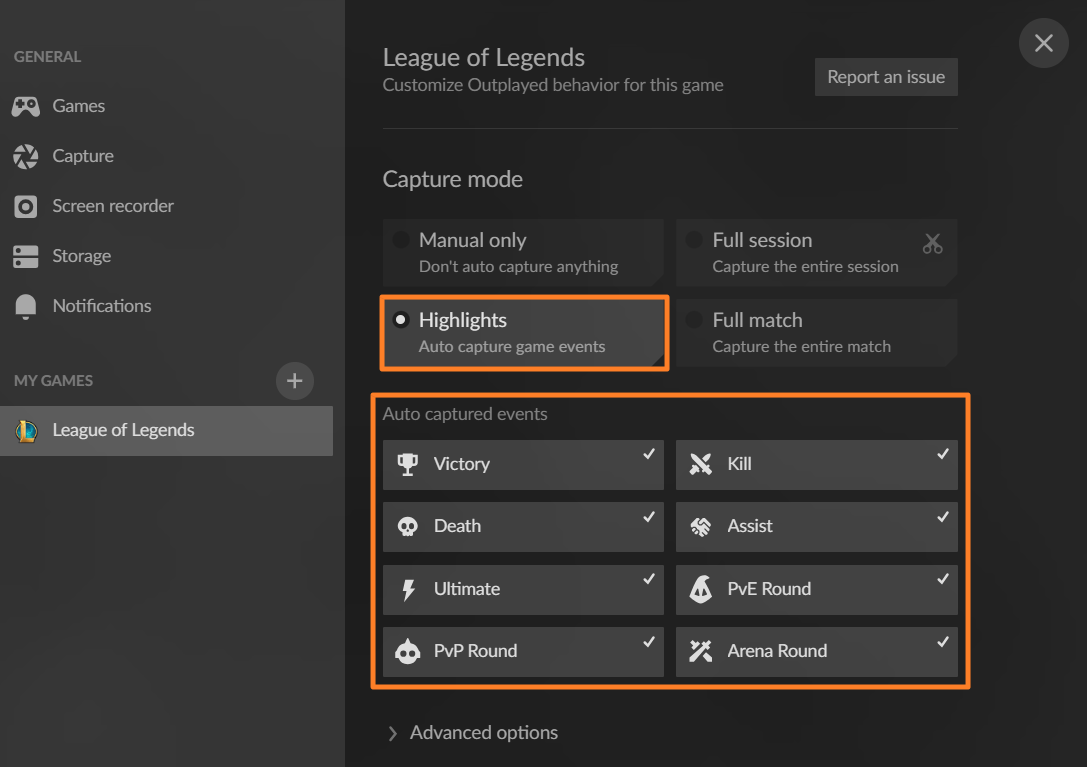
Highlights

Outplayed will automatically detect game events and create highlight clips for those events. You can select which game events will be automatically captured.


Unnamed


Why doesn't Outplayed support recording a certain game event/Highlights Capture Mode/Full Match Capture Mode for my game?


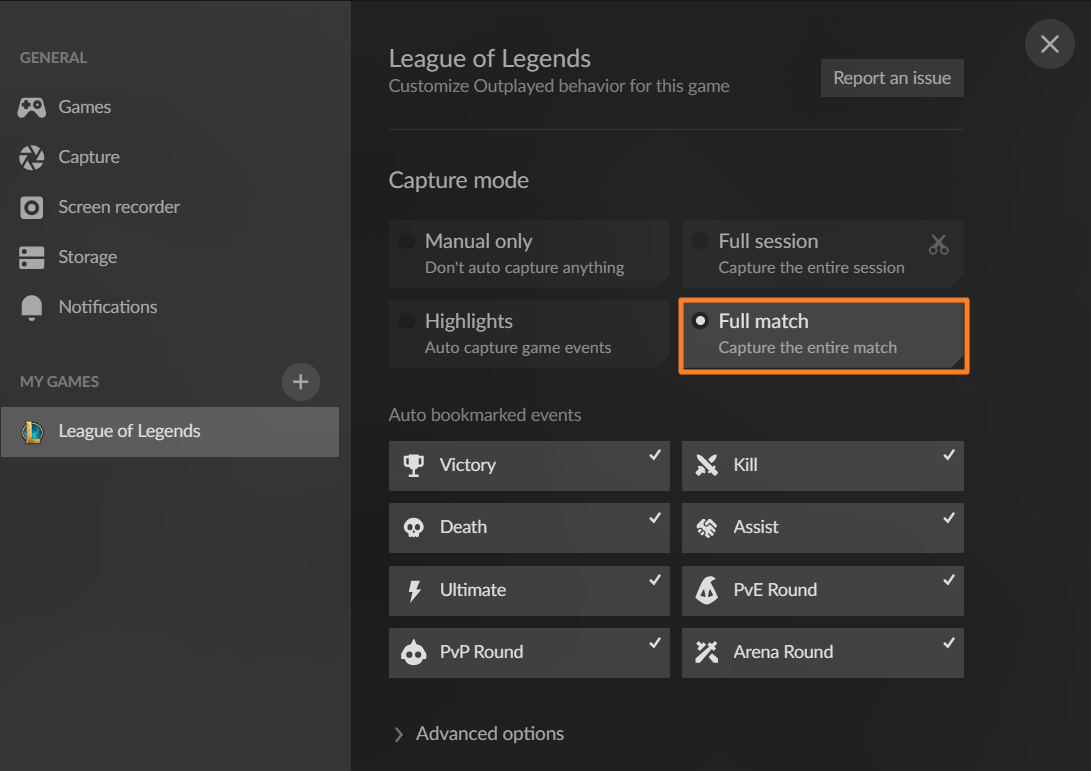
Full Match

Outplayed will start to capture the moment you start your match until the match ends. You can select which game events will be automatically bookmarked.


Unnamed


The recording will only record the match itself. The rest of the game will show as a Misc. recording. 


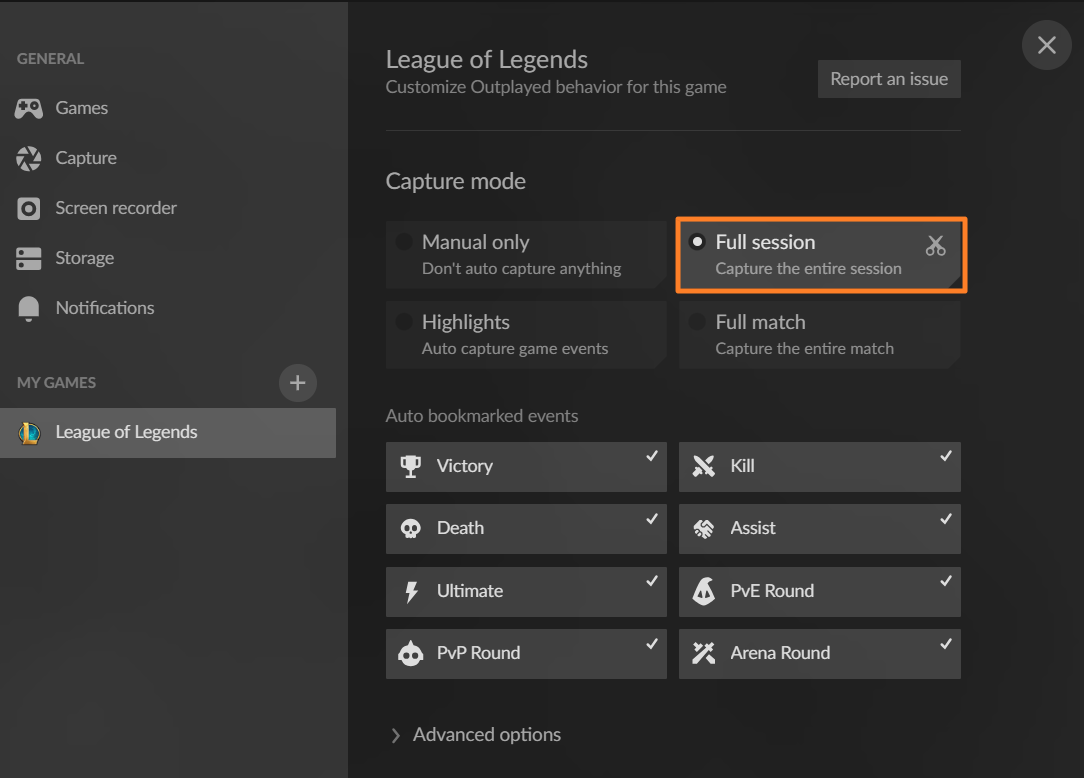
Full Session

Outplayed will start to capture the moment you start the game process until you exit the game process. You can select which game events will be automatically bookmarked.


Unnamed


A full session video will be created for your entire gameplay session once you have closed the game process.


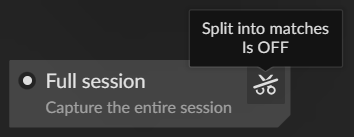
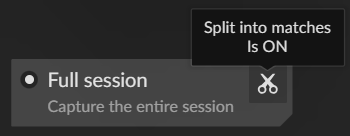
Note: If the game events are available, Full Session recording will be automatically split according to each match and the time between the matches will be marked as misc. You can change this setting by clicking on the scissors icon:


Unnamed


Unnamed


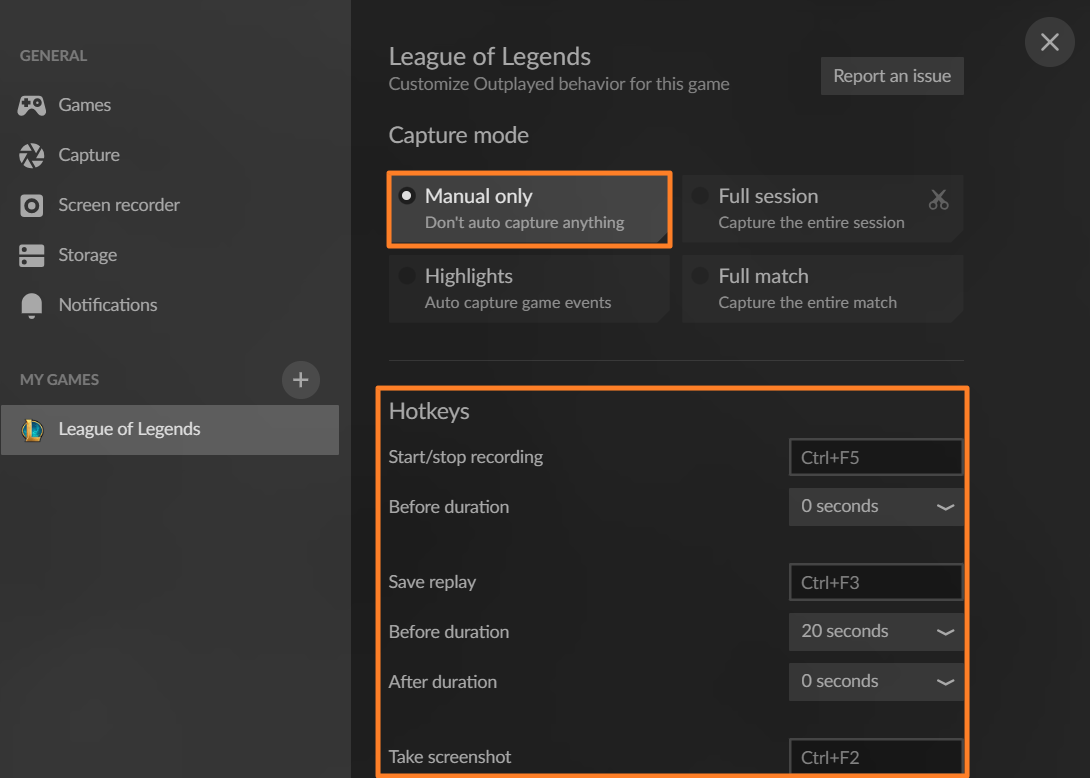
Manual capture

Allows you to manually select when to record. 

Click here for instructions on how to change the recording hotkeys.


Unnamed


Note: When using the Outplayed Capture Modes you can only record one game process at a time. Opening a new/different game process will stop the previous recording. 

If you would like to record more then one game process at the same time please use the Outplayed Screen Recorder instead using the steps Here.


FAQ

Why is Outplayed capturing my full session even though I set it to Highlights/Full Match?

The Highlights/Full Match capture mode depend on game events. When game events are down Outplayed will automatically switch to recording the full session so you won't miss out :) 

Please note that when game events are down Outplayed will not be able to automatically add bookmarks.


For more information, please visit the following article: Apps and Highlights Status Explanation.


Outplayed is set to Full Session Capture Mode but is capturing the recordings as matches and misc.?
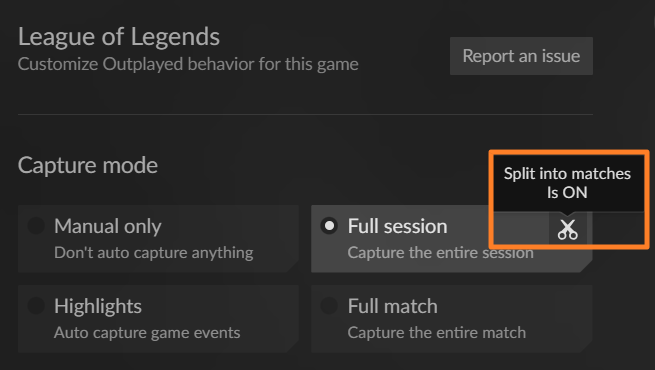
If the game events are available (Meaning the Highlights and Full Match options are available.) Full Session recording will automatically be split according to each match and the time between the matches will be marked as Misc.


You can check if this feature is enabled here under the game settings:


Unnamed


You can edit the clips together using the Outplayed Editor.


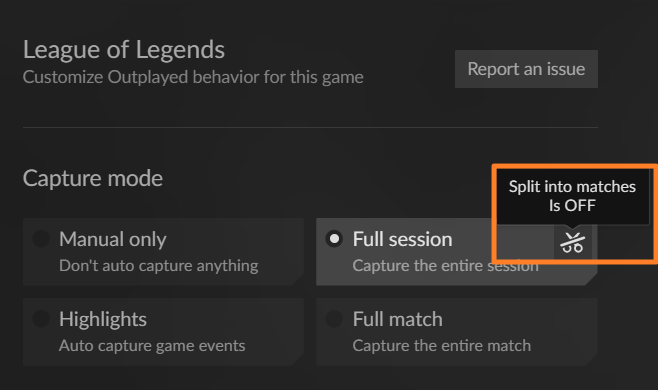
If you do not want the Full Session recording to be split according to matches click on the setting to disable it then relaunch Outplayed & your game to save the settings for future recordings:


Unnamed


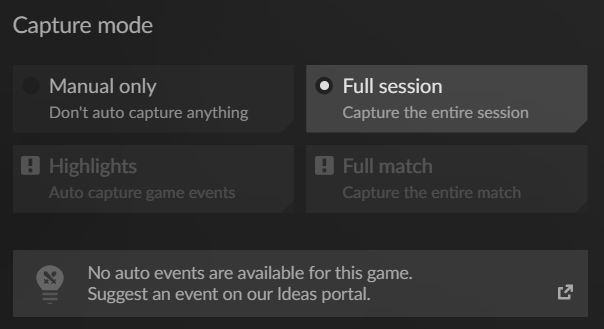
Why doesn't Outplayed support recording a certain game event/Highlights Capture Mode/Full Match Capture Mode for my game? 


Unnamed


Outplayed uses the Overwolf platform to detect in game events in real time. Supporting real time events for a game requires constant maintenance in addition to permissions from the game developers- so only selected games are added. 


You can request supporting events for games Here. 

Please search if there are any similar suggestions already before submitting a new one.


How to change the duration of your highlights
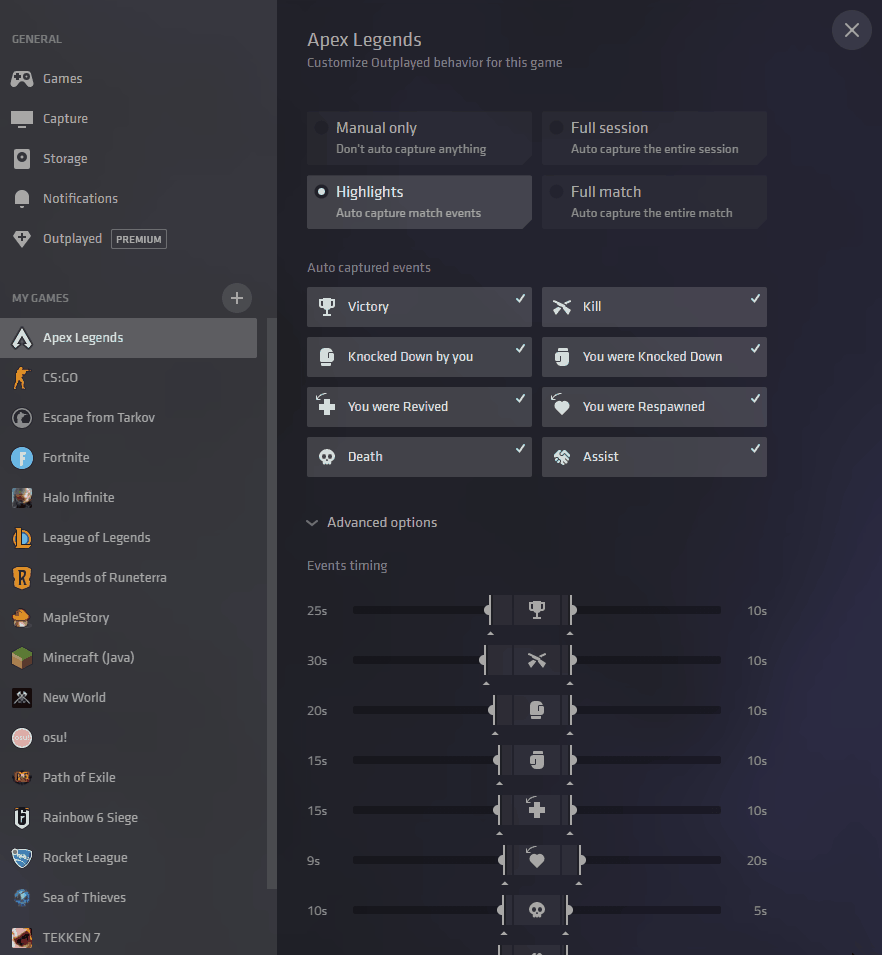
When selecting the Highlights Capture Mode you can set how long before and after each game event you would like each highlight to be captured for. It is possible to set the highlight to be captured for a maximum of 180 seconds before & after each game event.


Note: When your game is set to record the Full Session/Full Match these settings can be used to change the length of the bookmark instead of the recording.


You can change this setting by clicking on your game under the Games tab, clicking on Advanced Options and toggling the bars next to each event type:


Unnamed


For example: In the gif above the settings for the Victory event have been changed so the highlight recorded by Outplayed will show 93 seconds before the Victory event takes place and 92 seconds after the event as well.


Please make sure to restart Outplayed and your game to save any changes to these settings.