
Note: Make sure that your keyboard is set to English.
You can check which hotkeys you have set for different actions by going to the game settings in Outplayed:
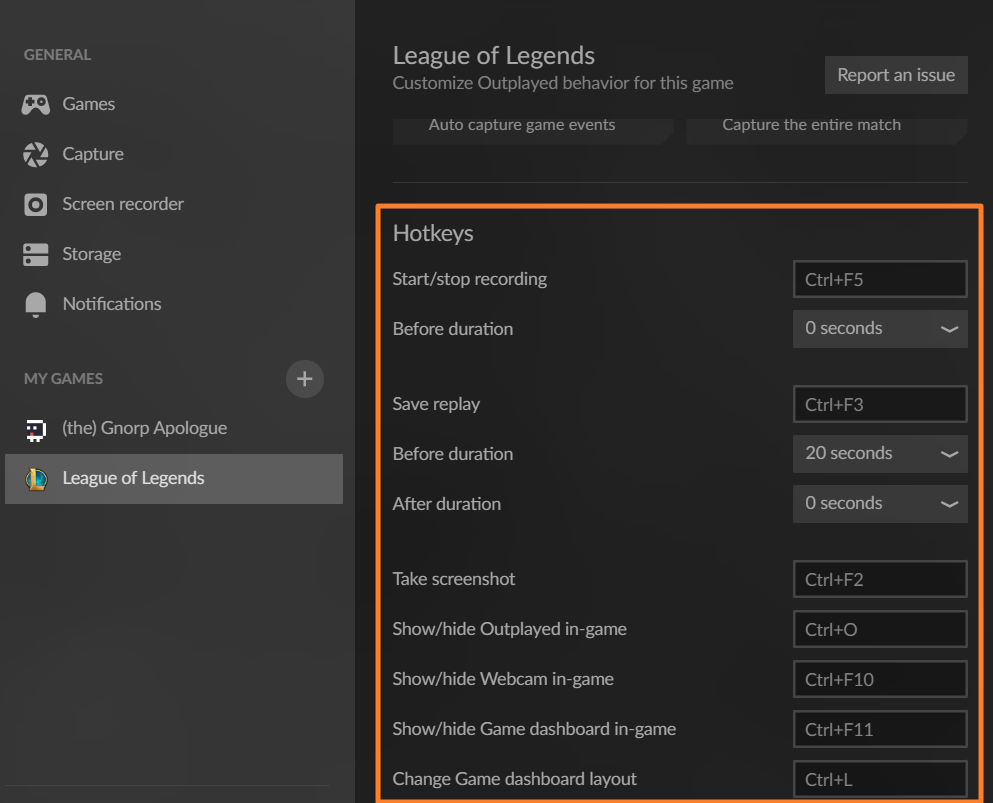
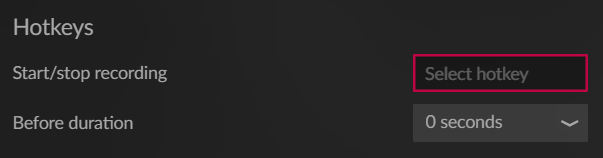
You can change your hotkeys from the default set by Outplayed by clicking on the existing hotkey combination and pressing the combination of your choice:
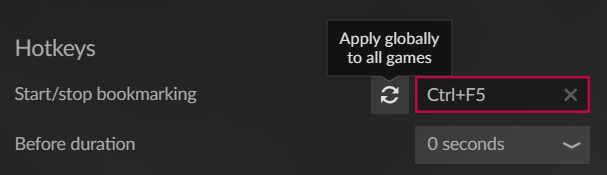
Once you have set up the hotkeys for one game you can click on "Apply globally to all games" to sync the hotkey for all games on Outplayed:
Note: We recommend not using the number pad keys as hotkeys as the number lock may cause issues with the hotkeys.