
Outplayed can be set to capture only the game sound. Using this setting means that your music, voice chat, or any other non-game sounds will not be recorded.
You can find the "System sound captures only the game" setting in the Outplayed Capture settings under the Audio Advanced options:
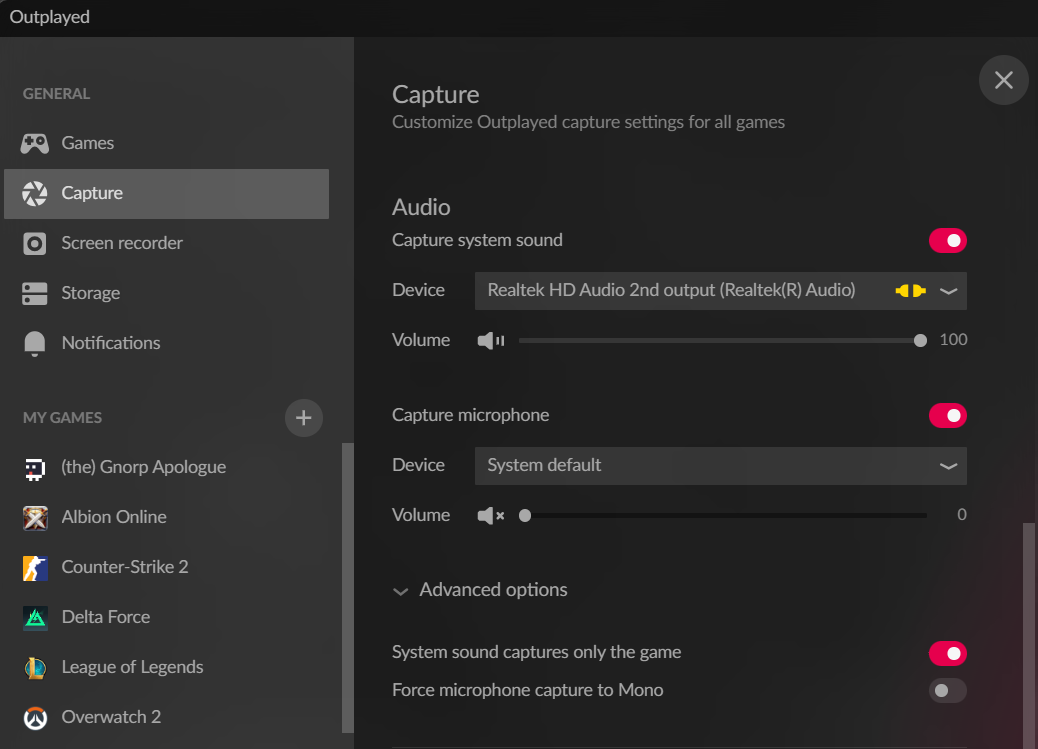
Please note that this setting is in beta and will not work if you are using a Windows version older then Windows 10 2004 (released 2020-05-27) or Outplayed games with no in-games overlay support.
Note: When this setting is enabled it is not possible to record the Valorant voice chat as it is run through the Riot client and not the game process.