
When setting up Outplayed you will need to select the Media folder which will be used to store all your recordings with Outplayed:
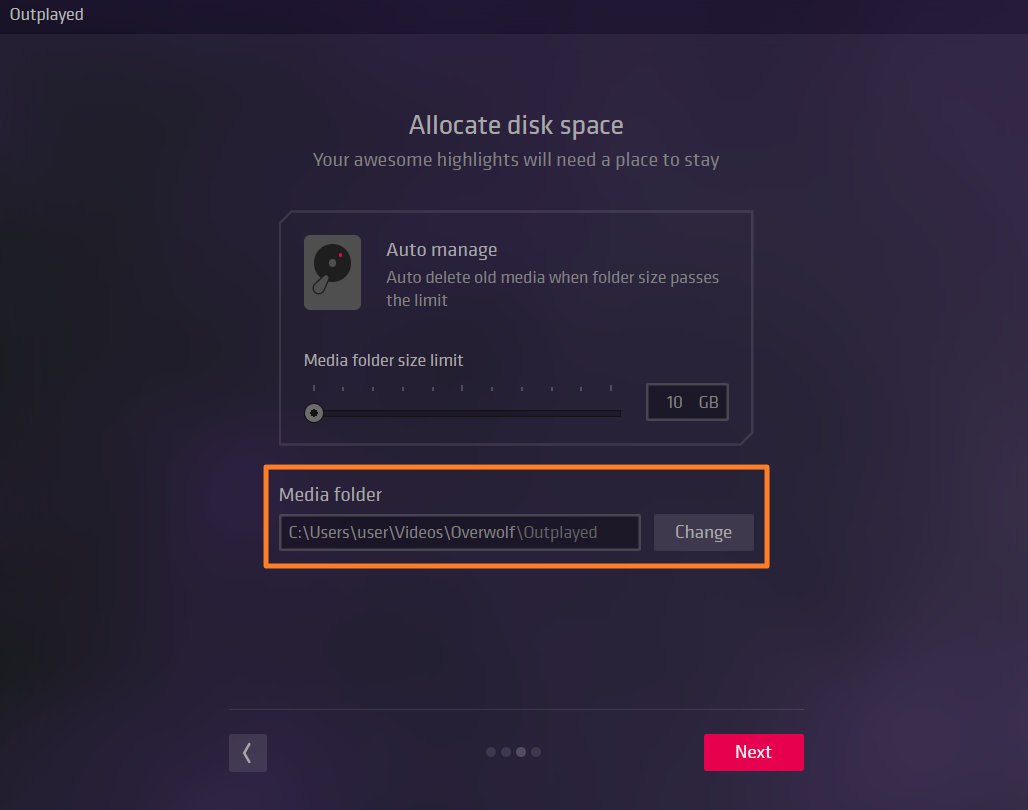
The default path is set to C:\Users\[Your username]\Videos\Overwolf\Outplayed and is the recommended setting.
This subfolder will be automatically created by Outplayed after your first recording.
If the folder isn't created please make sure that Outplayed is not being blocked.
You can set the Media folder to a different location on the computer however we recommend keeping the location on the C drive.
Assigning it to a different drive or OneDrive may cause the recordings to be disconnected and deleted from Outplayed if the non-C drivers disconnects at any point.
If your clips are disconnected but the recording files are still on the computer you can reconnect them using the steps here.