In order to avoid old clips taking space on your computer Outplayed includes an auto manage feature which will automatically delete old clips. You can manage your storage auto manage settings in the Outplayed Storage settings:
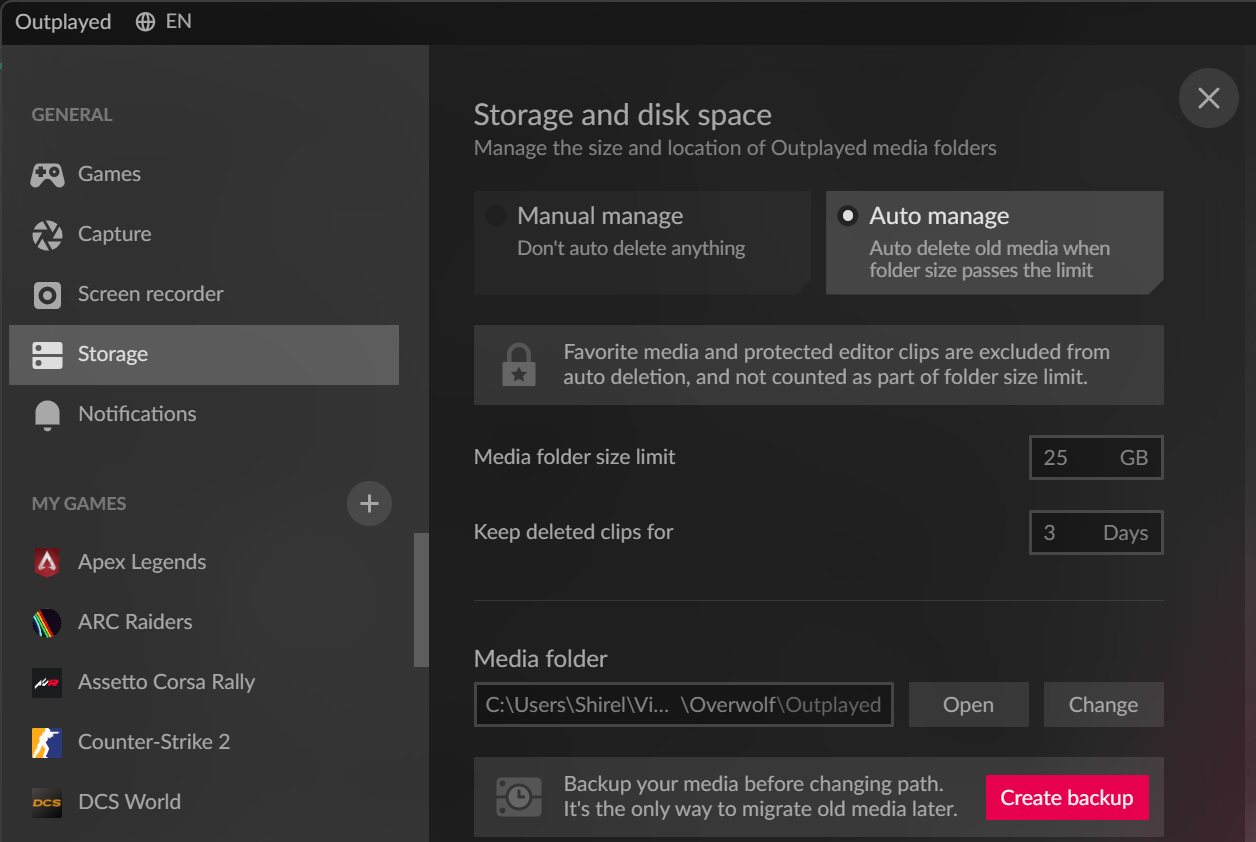
Please note that the auto manage feature will not delete clips that are marked as Favorites.
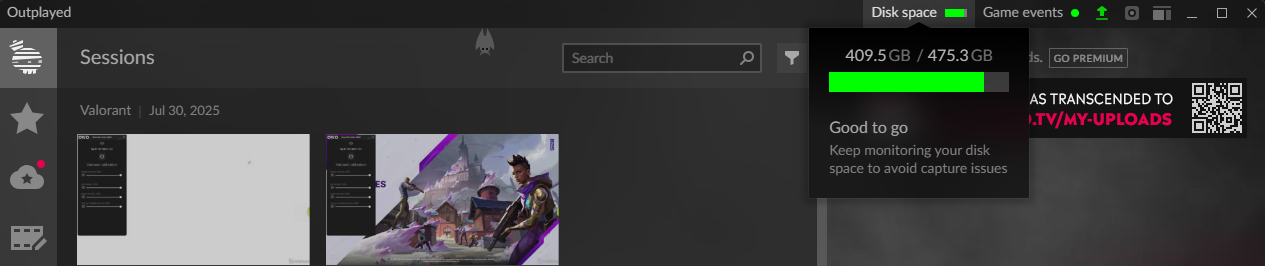
You can check how much space is available on your drive by clicking on "Disc space" in Outplayed: