
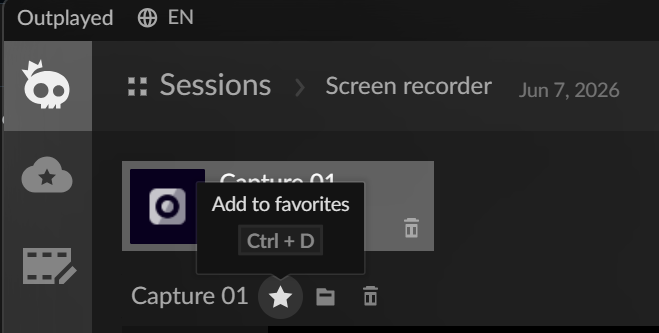
To mark a clip as favorite simply click on the star over your clip or CTRL+D :
Once a clip is marked as favorite, you'll be able to easily find it by clicking on Favorites under Sessions > Collections: 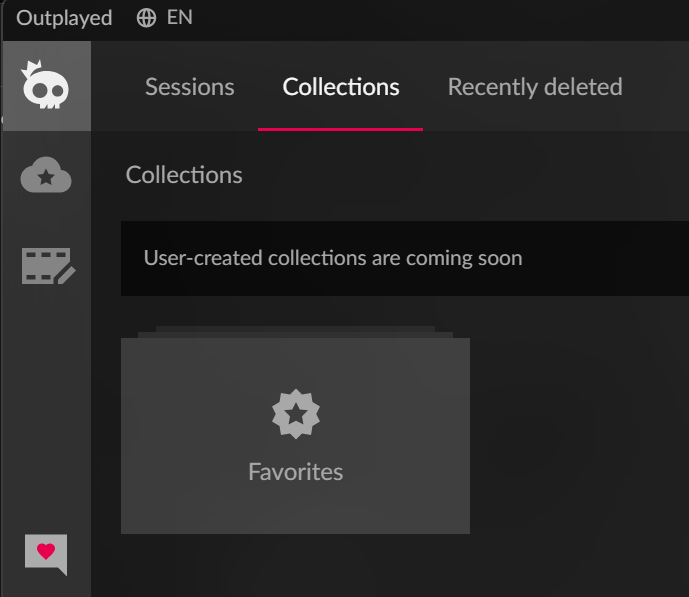
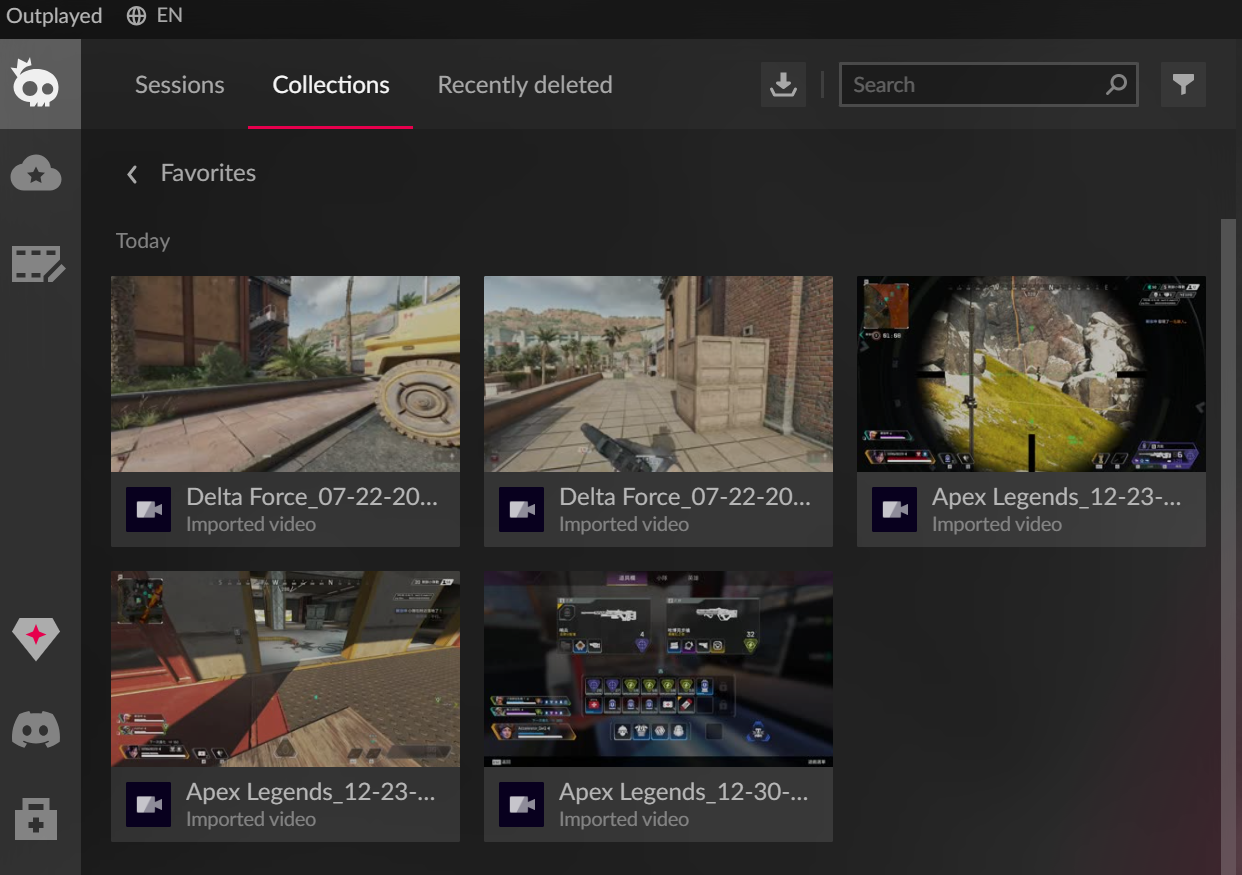
Clips marked as favorite will also be protected from the auto manage feature in case you have it enabled. Outplayed will not automatically delete any clip that is marked as favorite.
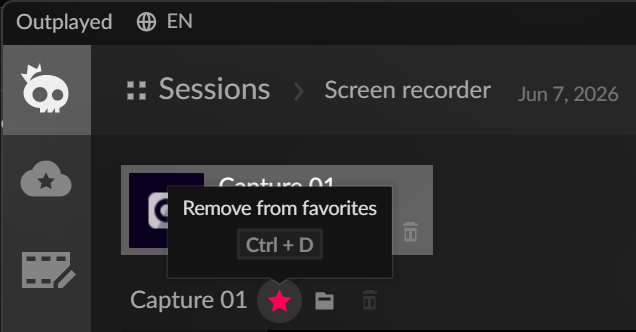
If you have manually favorited the clip you can remove it from the Favorite tab by going to the Sessions tab, finding the original clip and clicking on "Remove from favorites":
Please note that clips that have been trimmed or have been edited in the Outplayed Editor will automatically be marked as favorites and can not be removed from the Favorites tab without fully deleting the clip.