
Please note that moving or editing these files will remove them from Outplayed.
If you would like to edit these files we recommend making a copy of the original file.
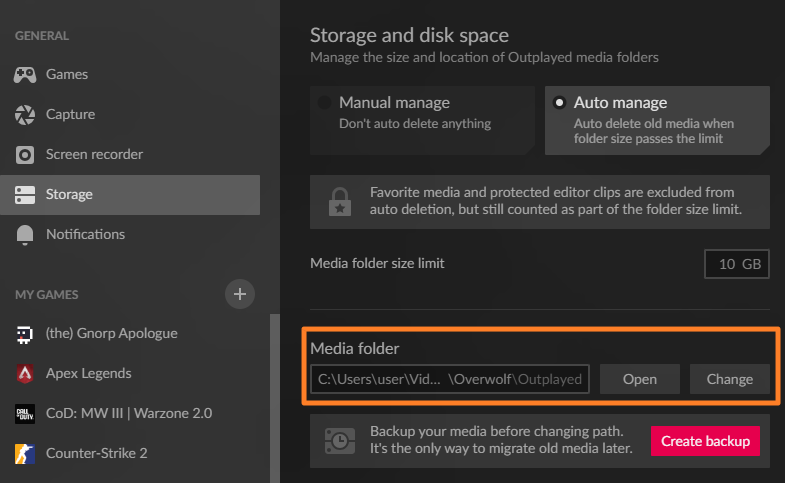
You can find the original recording files by going to the Outplayed settings and clicking on Storage:
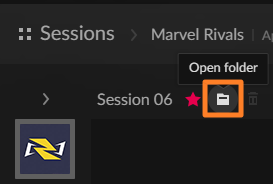
You can also find a specific video file by clicking on the Open Folder button over the clip:
If the sound isn't playing correctly when viewing the recording file directly please try the steps Here.