
Simply click on the Tiktok share option and log in to your account:
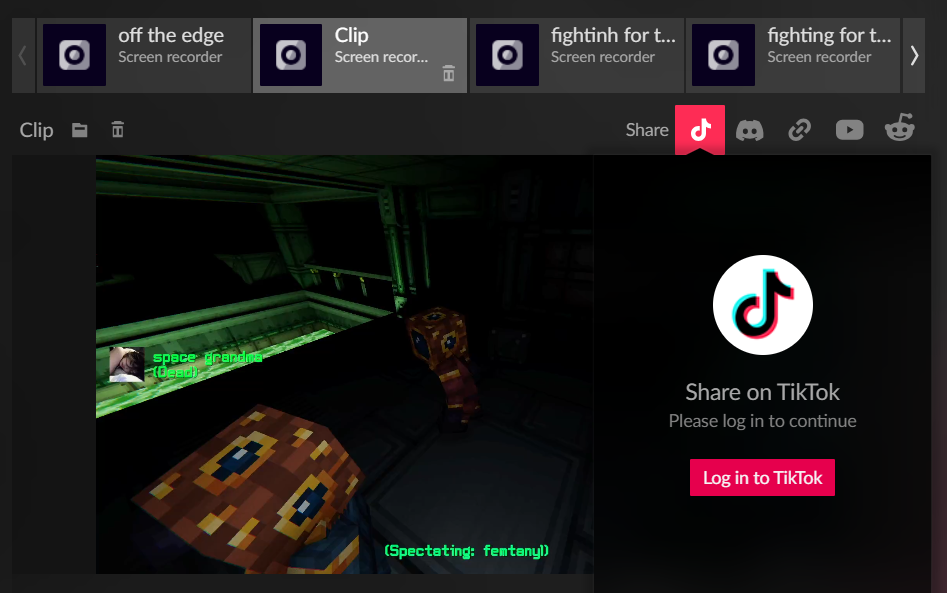
Your Tiktok user will show which account you are logged in to. Make sure that all the toggles are set to allow:

If you are not logged in to your Overwolf account you will be logged in. Please click on "Open Outplayed":

Before sharing you can write a description and chose which audience to share the clip to:

The Advanced options will allow you to enabled/disable comments, duets and stitch:

If there is any post content to disclose please add it:

Once the clip has been uploaded it will show as uploaded in the content manager and on your Tiktok account:
