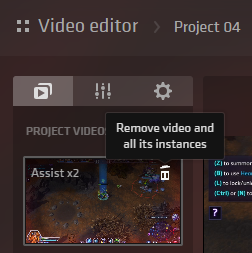
Once you have selected your videos they will be added to the project timeline (on the bottom of the screen). You can click on the clip again to add another copy of it to the timeline. If you want to delete a video and all its timeline instances from the project, click on the trash icon:
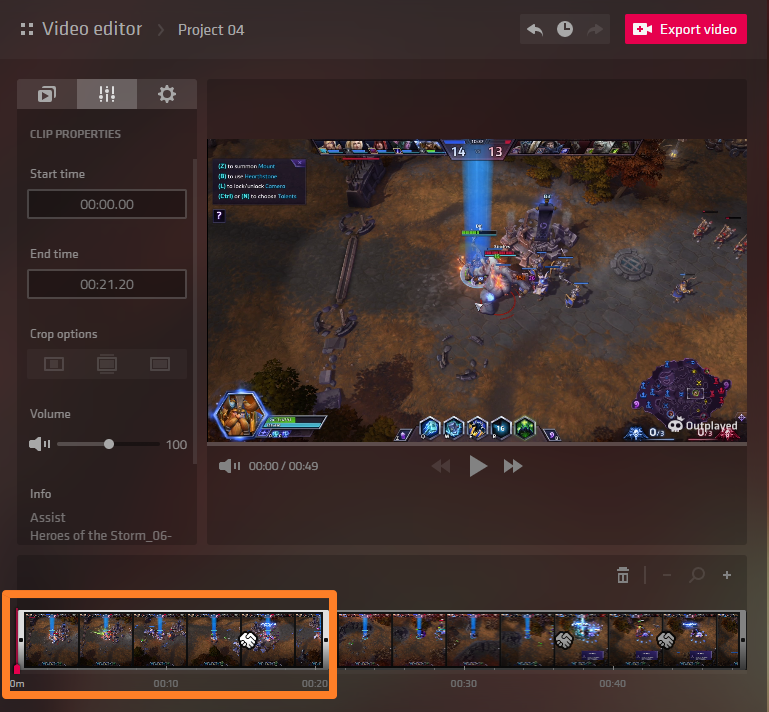
Click on one of the clips in the timeline to view & edit the clip properties such as the clip length, crop options & volume of the selected clip: