
The option to remove the watermark from your projects is available to subscribers of Outplayed Premium. Please make sure that you are logged into your Overwolf account and that the subscription is either active in your Overwolf settings:
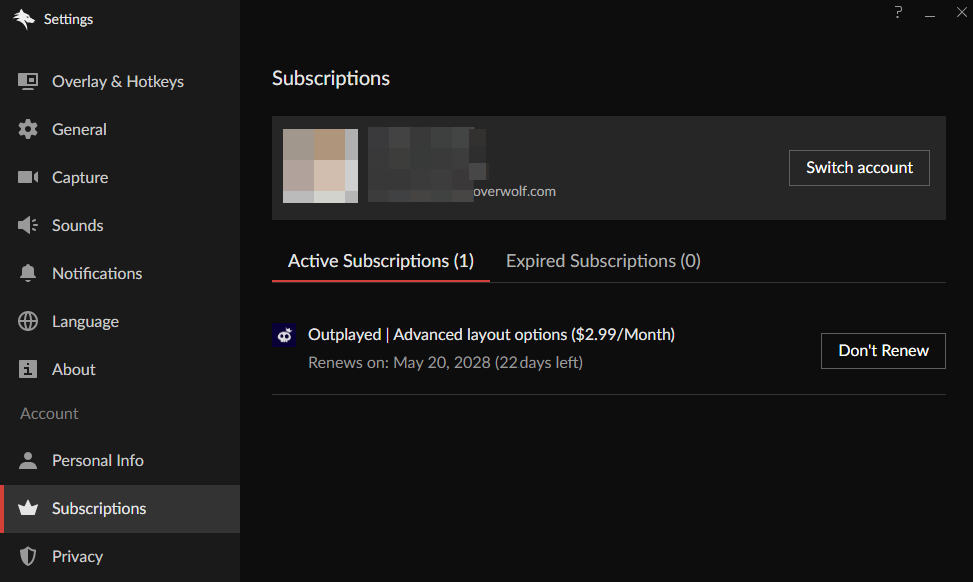
Or that it shows in your Tebex dashboard: https://support.overwolf.com/en/support/solutions/articles/9000240941-outplayed-account-plans
You can then remove the watermark in the Video Editor:
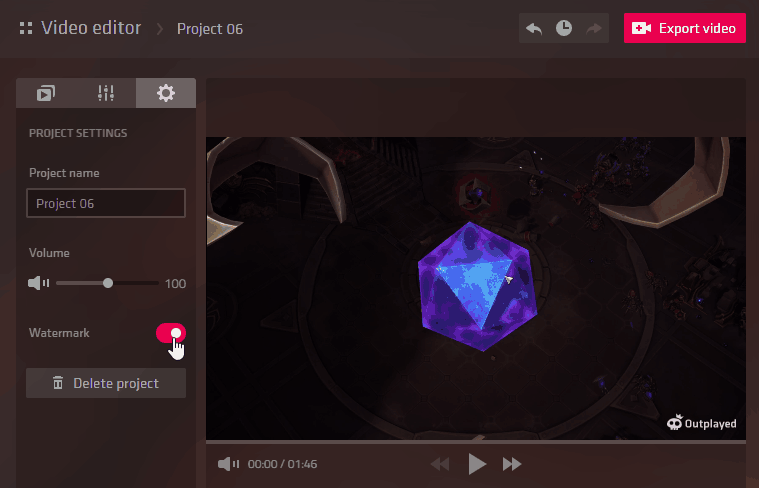
If you would like to remove the watermark from the clips themselves unrelated to the project please follow the steps Here.