
1. Make sure you are logged in to your Overwolf account.
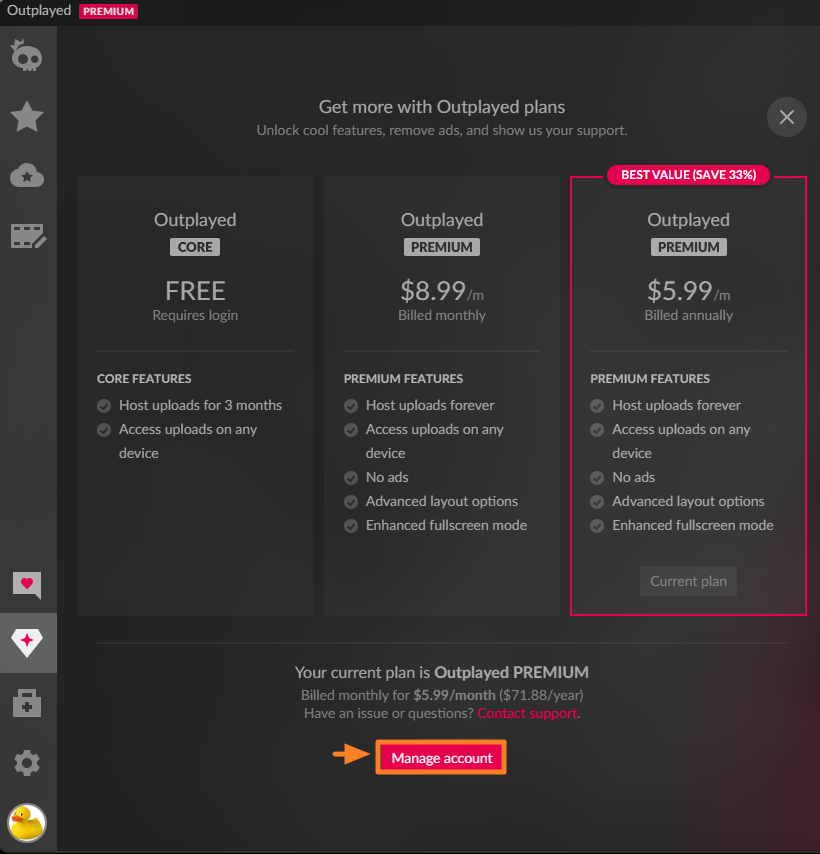
2. Click on the Plans tab and then on Manage account:
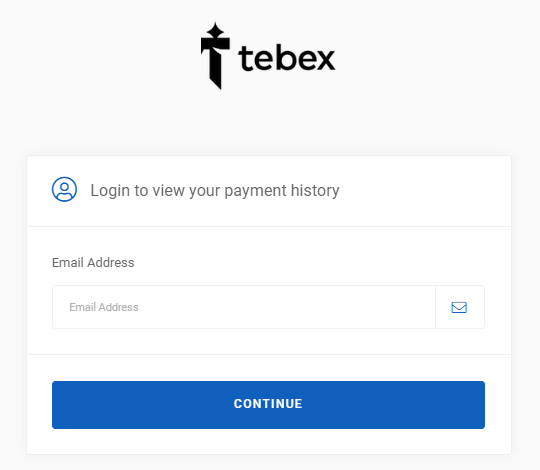
3. Log in to your Tebex account using your Overwolf account email:
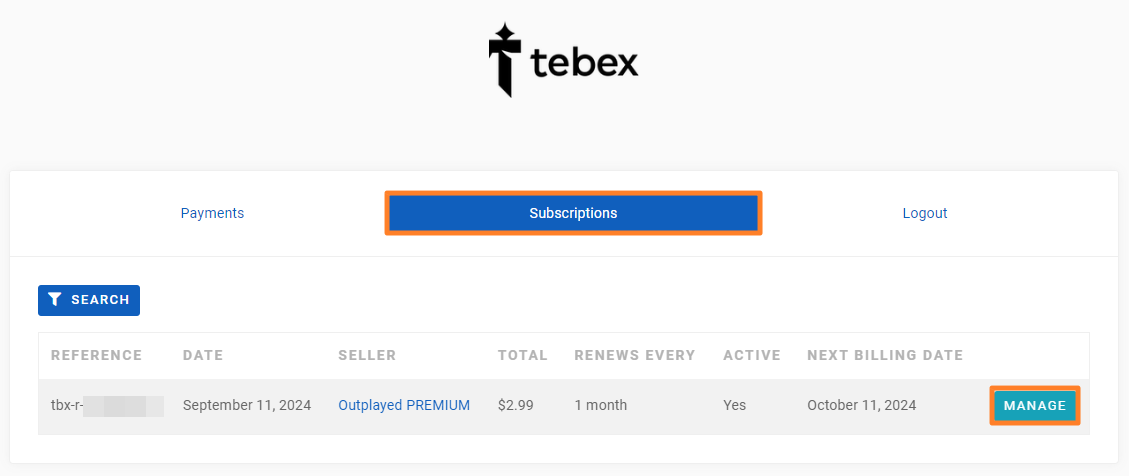
4. Click on the Subscription tab then click on Manage:
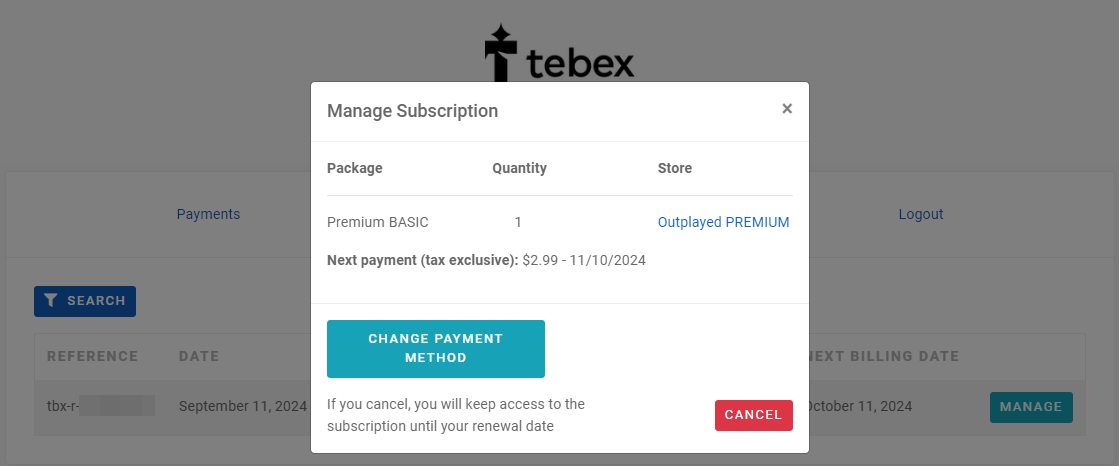
5. You can then either change your payment method or cancel the subscription:
If there are any issues changing the payment method/unsubscribing please contact Tebex support at: checkout-support@tebex.io