
In some games, due to a limited support, the screen is captured instead of the game window. So if your game window is not in maximized or in full screen mode, you'll see part of the desktop in the recording.
You'll also see the desktop when using [Alt+Tab] or while minimizing the window.
As a workaround, an option to capture the game window instead of the screen was added in recent version. To use it, go to the game settings and enable Game window capture, please note that on Windows 10 you'll get a yellow border around the game window:
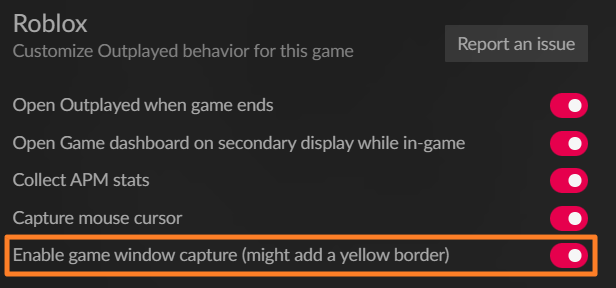
Please note: Some laptops running Windows 10/11 may still have the yellow border even when the setting is enabled