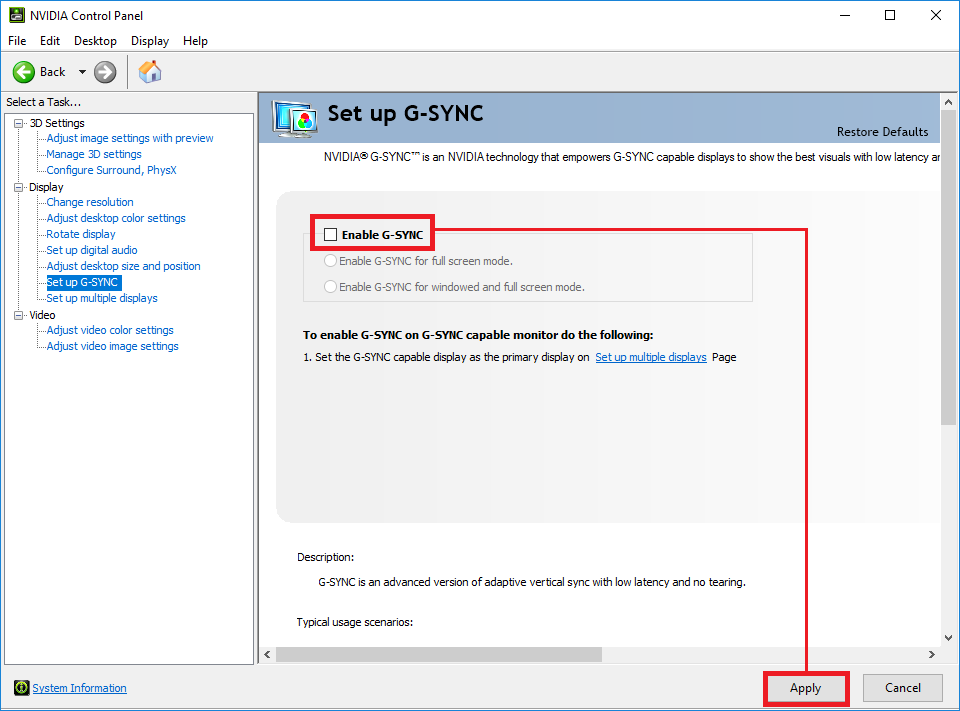
Running Nvidia G-SYNC may cause issues with recording. You can disable it using the following steps:
- Right-click on your desktop and click on “Nvidia Control Panel” from the menu
- Click on the “+” next to Display
- Select Set up G-SYNC
- Uncheck the box next to Enable G-SYNC & click on Apply