
Making any changes to the Outplayed Media folder or directly to the Outplayed recording files such as renaming or moving the recording files may disconnect them from Outplayed.
If the clips disconnected due to changing the Media folder and you did not record any new clips or restart the computer you can change the Media folder back to the previous location in order to reconnect the clips.
You can then change the Media folder using this guide: How to change the Media folder location
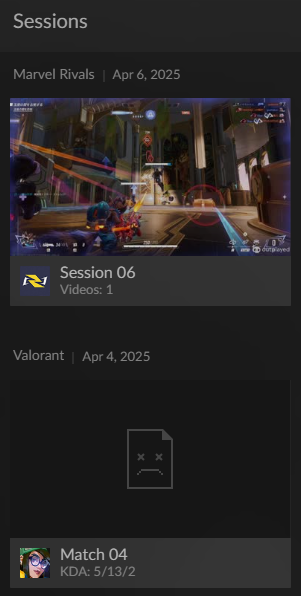
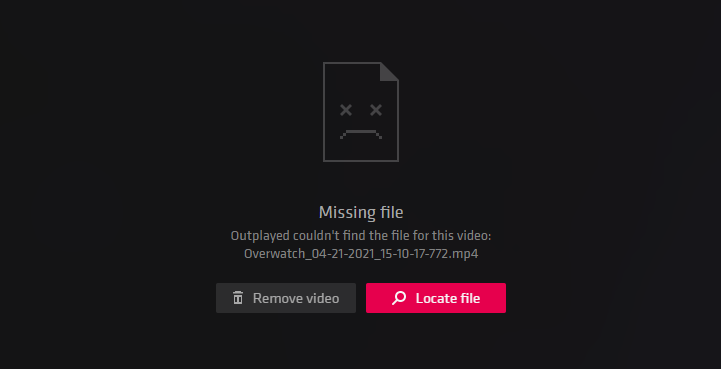
If the recordings still appear in Outplayed as follows you can click on "locate file" to reconnect the recordings:
If the recordings do not appear in Outplayed but you still have the recording files themselves you can re-import them into Outplayed.