
You can share your epic moves on TikTok, Instagram, YouTube Shorts, Reels, Whatsapp & more by uploading the clip to Outplayed.tv!
Clicking on the "Share on Outplayed.tv" option will upload the clip to Outplayed.tv and generate a link and QR code to the clip which you can share anywhere such as Discord DMs, or scan the QR code to open the link on your mobile device:
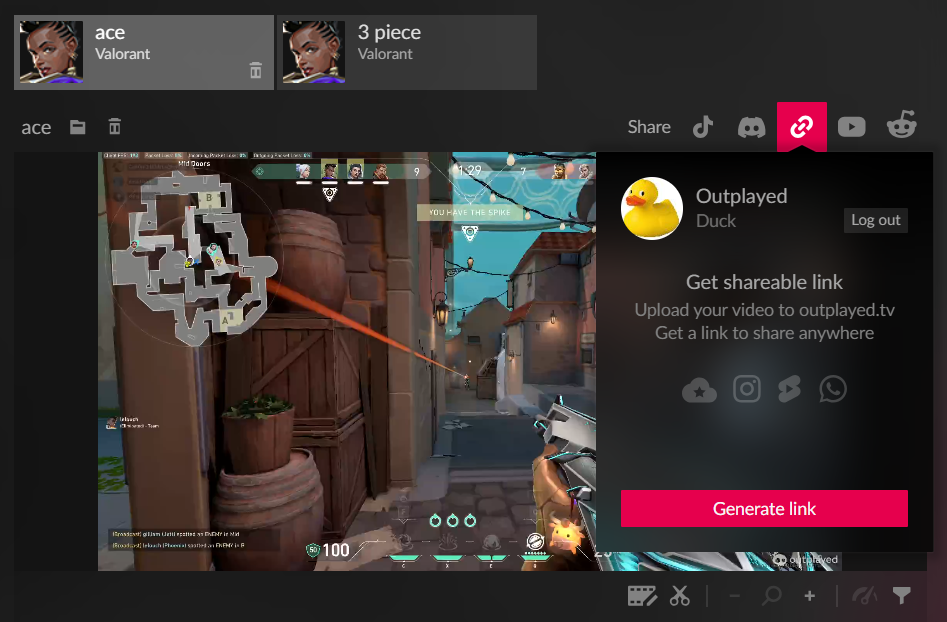
If you aren't logged in already you will need to log in to your Outplayed account:
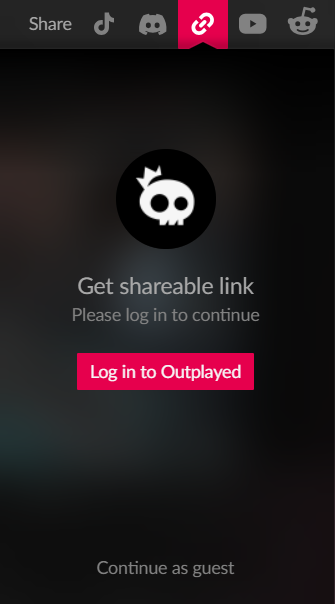
Don't have an Outplayed account? Follow the steps here to create a free Outplayed account!
Please note: If you aren't logged in to your Outplayed account before sharing the clips they won't be connected to My Uploads!
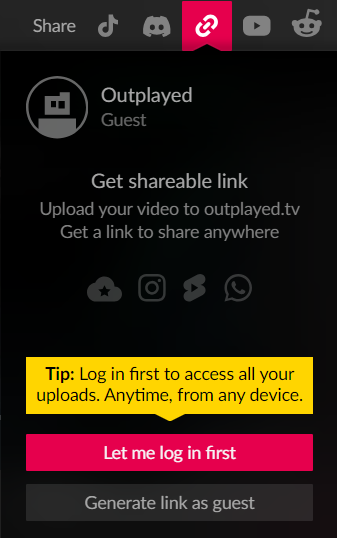
You can keep track of the upload process in the tab:
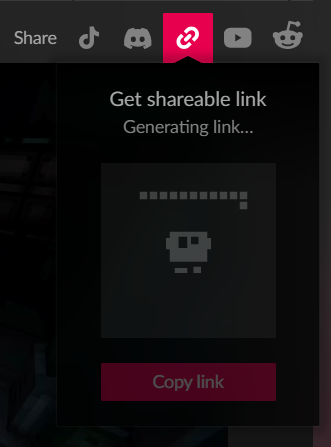
And in the Upload Manager:

You can also cancel an upload by clicking on the Cancel option in the Upload Manager:

Please note that Outplayed.tv has a file size limit of 400MB.
You can check the size of your recording file by finding the recording file using the steps here: Where to find the video files.
Then right click the file and select Properties to view the file size:

You can close Outplayed while the uploading is in progress. Don't worry, the upload will continue in the background.
Once the upload has finished processing you can either click on "Open link" to be directed to the clip on Outplayed.tv.
You can also click on the Outplayed.tv option to receive a QR code which you can scan or click on "Copy link" to copy the URL of the clip on Outplayed.tv:

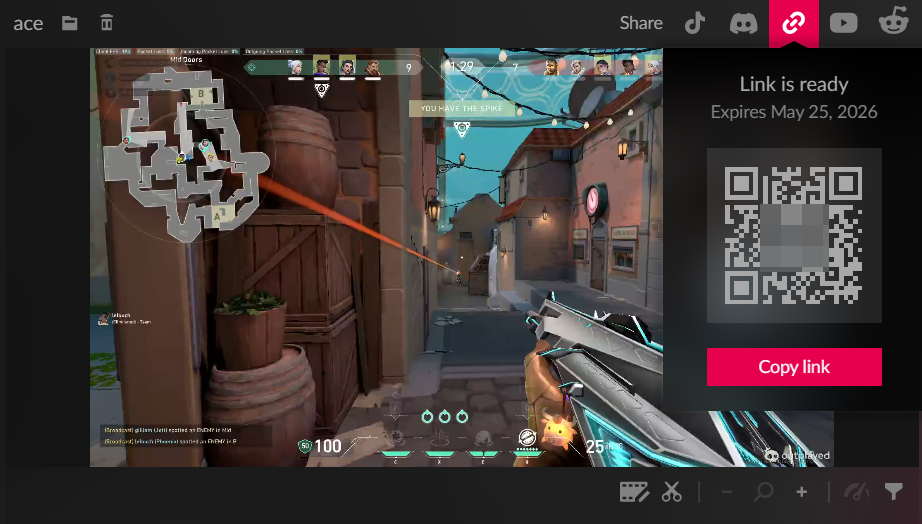
Please note that uploads will only be hosted for a limited time depending on your account plan. You can view the expiration date of each hosted recording by clicking on the share option again: