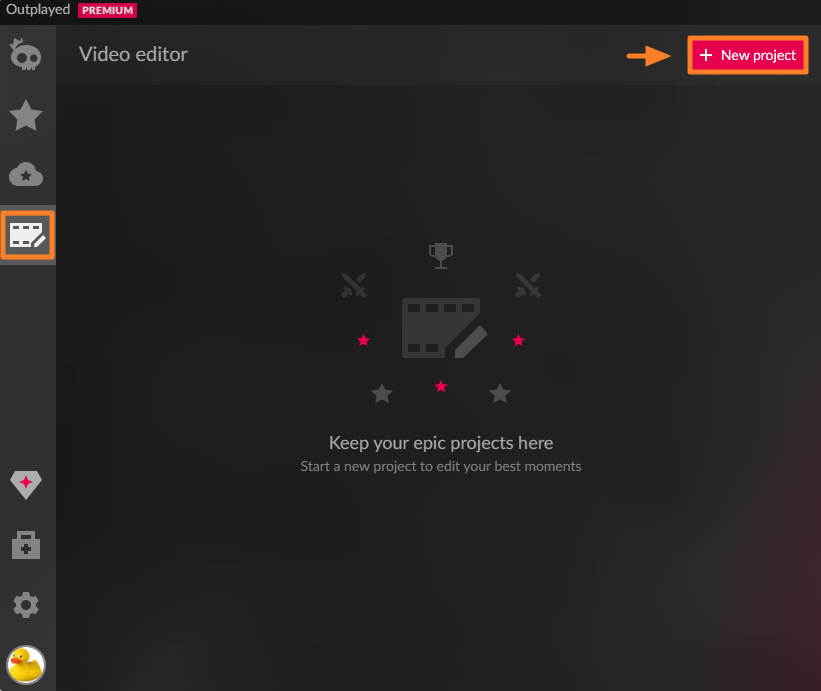
To start using the Video Editor click on the Editor tab and create a new project:
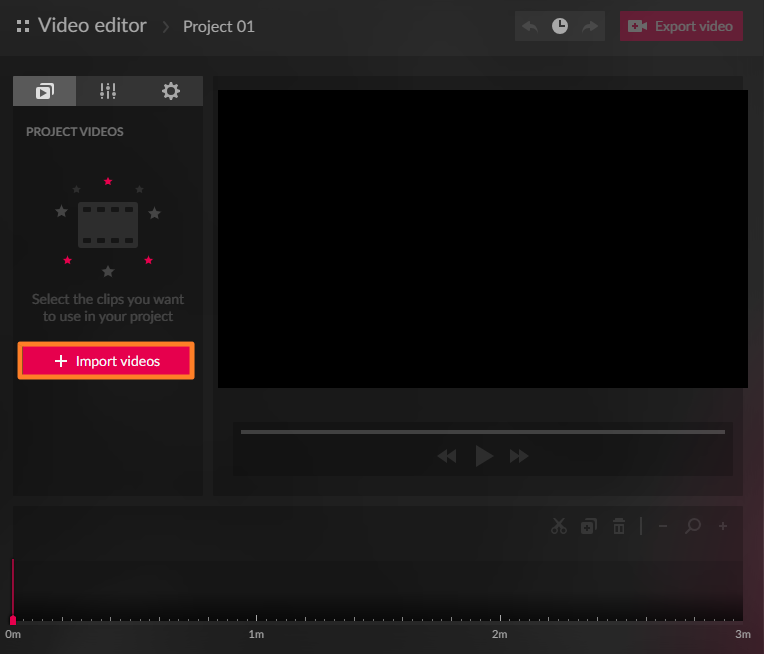
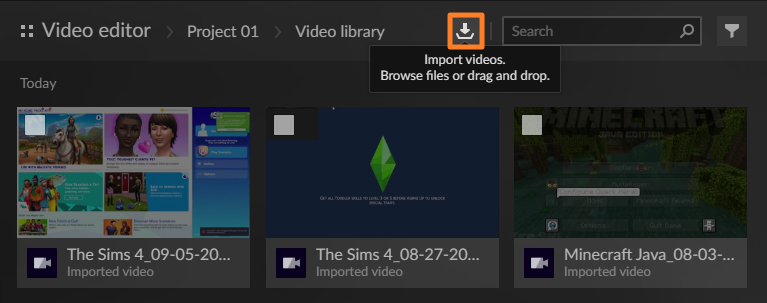
Click on Import videos to add Outplayed recordings to your project:
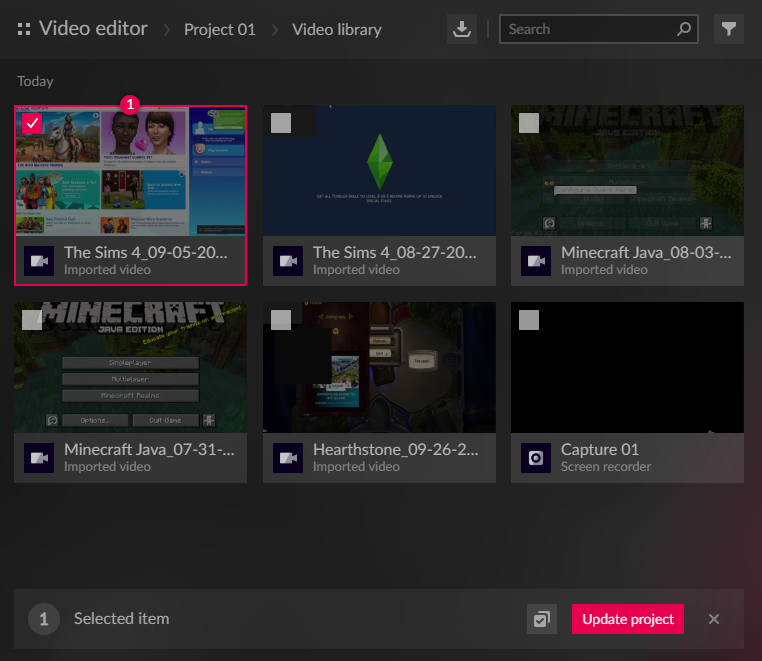
You can select any of your videos to add to the project- including recordings of different game sessions, different games and external clips that were imported into Outplayed:
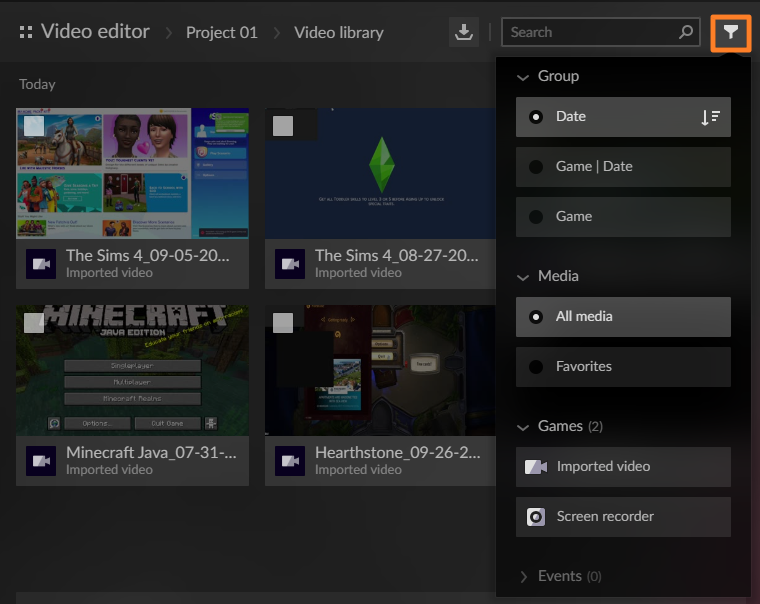
You can filter your videos by date, source, game & event by clicking on the Filter button:
You can also import videos directly into the project by clicking on the Import videos button or using drag and drop:
Please note that Outplayed only supports .mp4 files.
Once you have selected the videos you want to add to your project click on “Update project”.
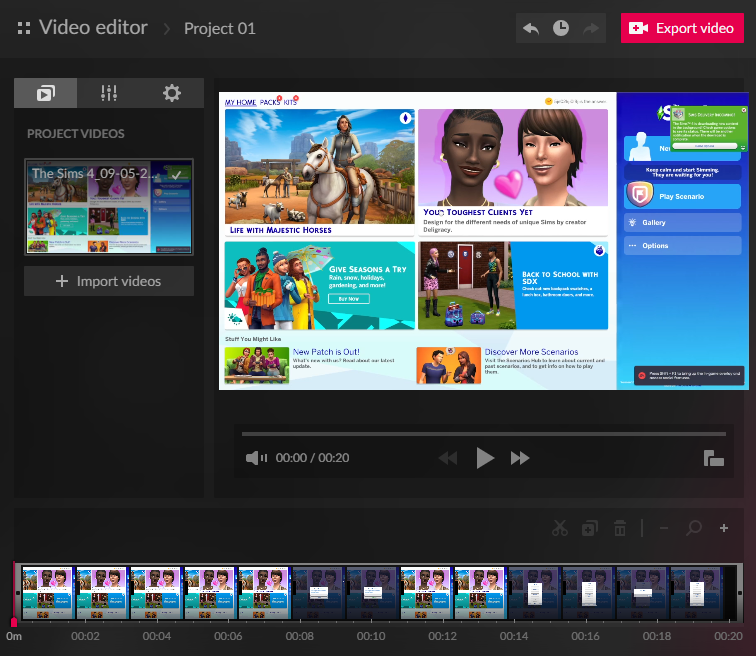
You can always add/remove project clips by clicking on “Import videos”