
Note: Only MP4 files can be imported into Outplayed.
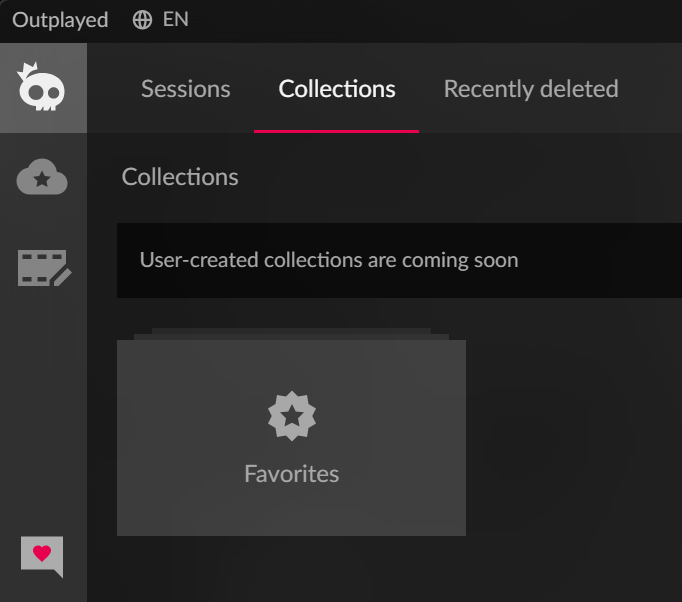
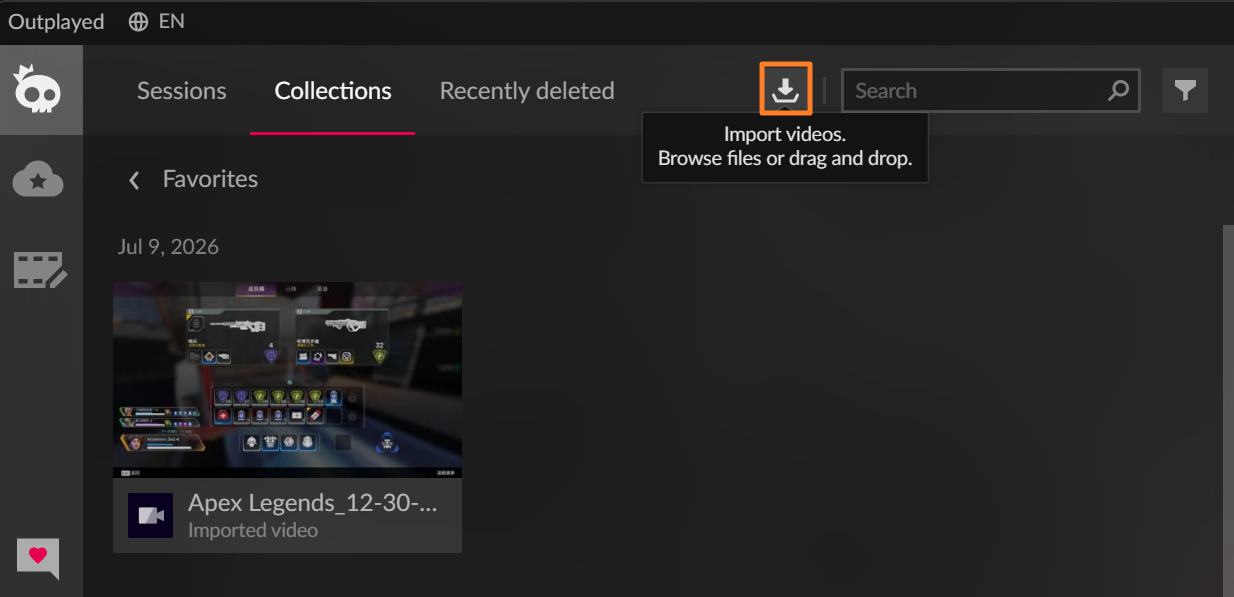
To import external clips into Outplayed you can press on "Import external videos" in the Favorites tab under Sessions > Collection:
Then either browse and select the clip file from the file explorer or drag and drop the clip in to Outplayed.
You can select multiple recordings or the full recording folder:

We recommend importing multiple files/folders in small batches.
The clips will then appear in the Favorites tab:

Please note that clips that have been imported into Outplayed will not show metadata. This includes which game was recorded, the original recording date, game events & APM stats.
If you would like to save the Outplayed clips with the metadata you can create a backup before making any changes to Outplayed using the steps Here.
Imported clips will count towards your storage space as set in the Storage Auto Manager.