
If Windows Ransomware Protection is turned on, it may block Overwolf apps from saving recordings.
To check if this is the issue:
- Open Windows Security Settings.
- Temporarily disable Ransomware Protection.
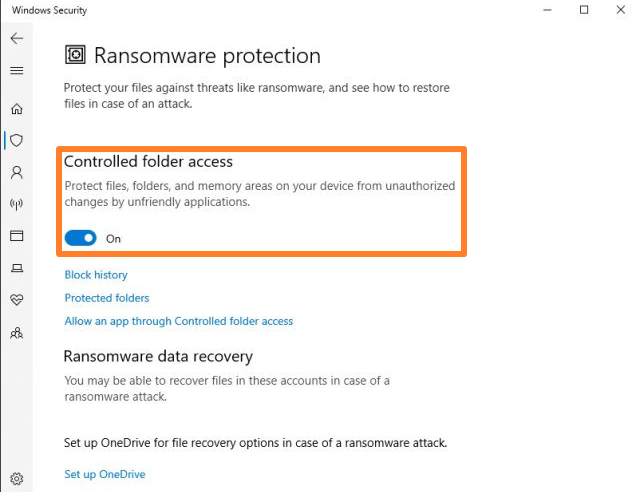
If disabling it fixes the problem, you have two options to prevent it from interfering in the future:
Go to “Protected Folders” and add your media folder as an exception,
or
Move your media folder to a location that is not protected.
If you're using Outplayed, you can follow This Guide to change the media folder.